2715PT12WD HMI PanelView 5000 About
-
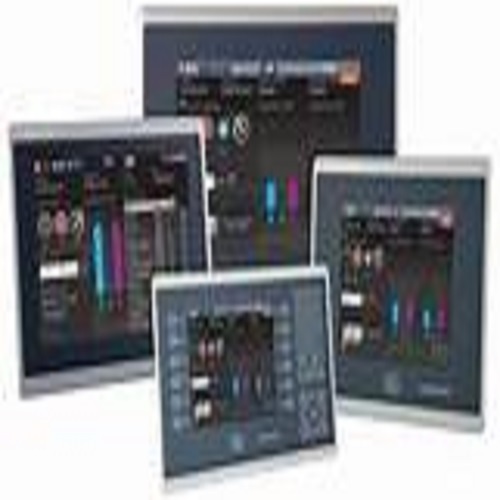
2715P PanelView 5510 Terminals
-
2713P PanelView 5310 Terminals
-
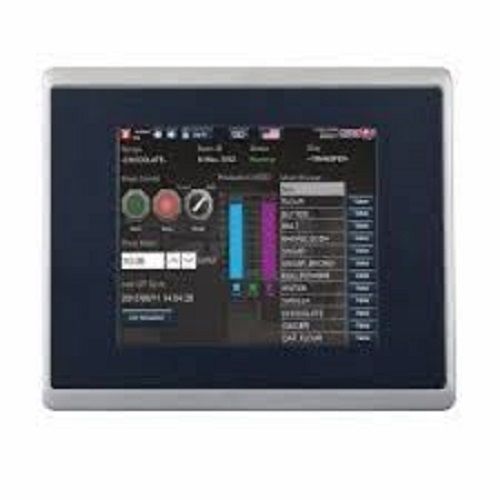
2715P PanelView 5510 Stainless Steel Terminals
Overview
- Includes Logix-based alarms to eliminate need for additional configuration
- Features automatic diagnostics that annunciate faults in capable field devices with no user programming
- Achieves <100 ms response for machine jogging applications with a high-speed HMI button
- Provides Logix tag extended property support to help develop richer context
- Features a modern design with a slim, aluminum bezel
- Allows for the ability to create custom, re-usable add-on graphics to more efficiently build your applications
- Shares tags, alarms, and other data using Studio 5000 View Designeri environment automatically
- Offers emulator to test run a project without downloading to a physical terminal
- Uses a built-in VNC server to support a remote VNC client for monitoring and troubleshooting
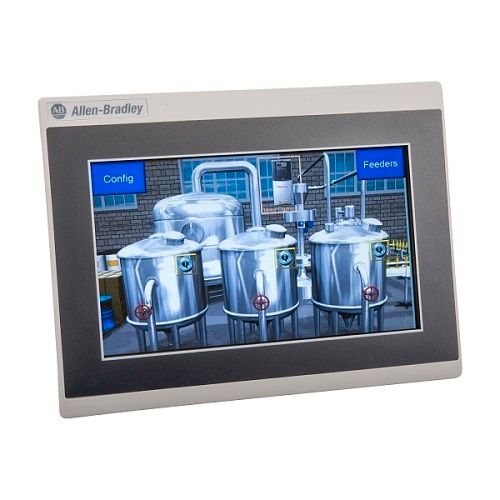
Advanced Industrial Control PanelThe PanelView 5000 HMI offers enhanced control and monitoring capabilities with its capacitive multi-touch display and flexible ethernet connectivity. Engineered for high reliability, it supports up to 5000 tags and is suitable for complex automation processes within diverse industrial settings. The robust front, made from aluminium and polycarbonate, ensures extended service life on the shop floor.
User-Friendly Operation and InterfaceEquipped with a large, intuitive touchscreen and multi-language support, the 2715PT12WD simplifies user interaction and process adjustments. The touchscreen enables precise operation while supporting multi-touch gestures, allowing for efficient workflow management and faster diagnostics. FactoryTalk View ME compatibility allows quick setup and integration into existing automation platforms.
Durable Design for Extreme EnvironmentsPanelView 5000 is engineered to withstand vibration, shock, humidity, and temperature fluctuations, operating reliably from 0C to 55C and storing safely from -25C to 70C. The IP66-rated enclosure offers superior protection against dust, water, and harsh industrial conditions. It's suitable for mounting in panels up to 2000 meters altitude.
FAQ's of 2715PT12WD HMI PanelView 5000:
Q: How do I install the 2715PT12WD PanelView 5000 HMI in an industrial environment?
A: Install the 2715PT12WD HMI using panel mounting within your control cabinet. Secure the enclosure, connect the terminal block to a 24V DC power supply, and link communication cables (Ethernet/USB) to your network and devices. Ensure environmental ratings are met for optimal performance.
Q: What communication options are available with the PanelView 5000, and how do I utilize them?
A: This HMI supports Ethernet/IP connectivity via two Gigabit Ethernet ports, and includes two USB connectors and one SD card slot. Use Ethernet for network-based control and monitoring, USB for firmware updates or peripheral connection, and SD card for data storage or configuration management.
Q: When is it necessary to replace the LED backlight, and how is it done?
A: The LED backlight is user-replaceable and should be replaced if screen illumination diminishes or fails. Follow maintenance instructions in the product manual and ensure the panel is powered down before accessing and replacing the backlight component.
Q: Where can the 2715PT12WD HMI be used regarding environmental and safety standards?
A: The HMI is designed for indoor industrial settings, compliant with IP66 and NEMA 4X/12 standards, and accommodates relative humidity levels up to 95% non-condensing. It is rated for installation at altitudes up to 2000 meters and temperatures from 0C to 55C during operation.
Q: What benefits does the multi-touch WVGA display offer for industrial process control?
A: The multi-touch WVGA display provides high-resolution visuals (1280 x 800 pixels), supports up to 10 simultaneous touch points, and delivers a rapid response time of under 10 ms. This allows intuitive multi-user interaction, precise adjustments, and efficient navigation within complex process control systems.
Q: How can I upgrade the firmware on the 2715PT12WD HMI PanelView 5000?
A: Firmware upgrades can be performed via the USB port or SD card slot. Download the latest firmware compatible with FactoryTalk View ME v10 or higher, transfer the update file to your USB drive or SD card, and follow the on-screen instructions in the device setup menu.





 Send Inquiry

